AI Agent Firewall Setup: Rate Limiting, API Keys & Network Isolation
April 18, 2026·14 min read
Your AI agent can call tools, make network requests, and burn through API credits at machine speed. Without a firewall, a single misconfiguration or prompt injection can turn that capability into a liability. This guide walks through four layers of defense — with production code for both OpenClaw and Hermes Agent.
TL;DR
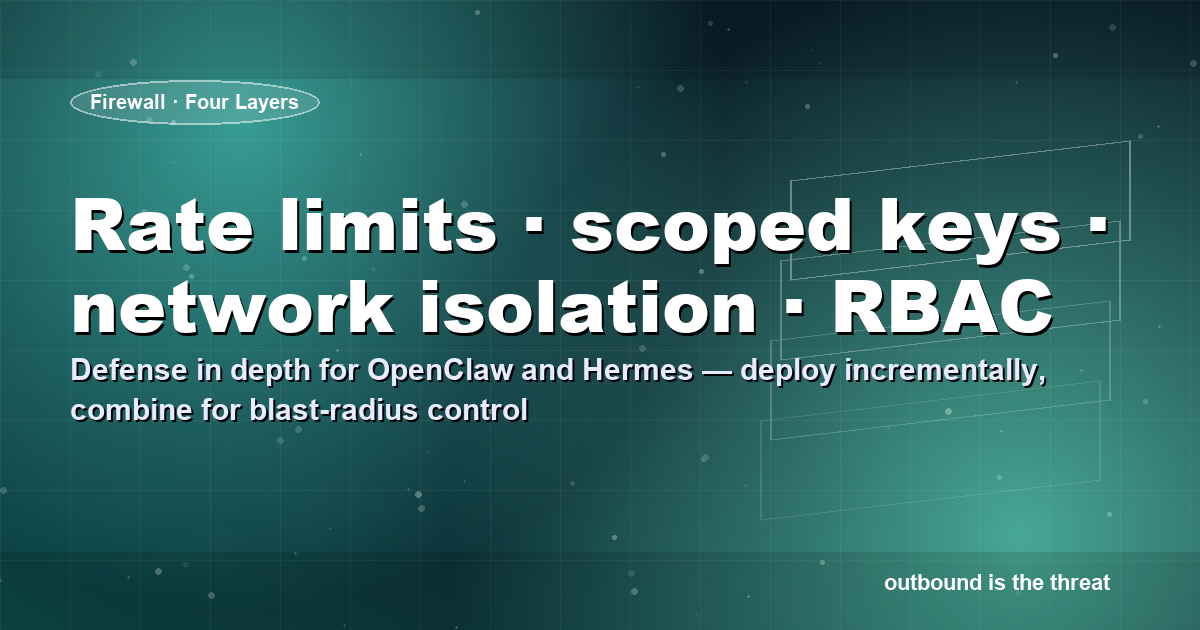
An ai agent firewall isn’t a single product — it’s four layers working together: rate limiting (per-tool sliding window), scoped API keys (least-privilege, auto-rotated), network isolation (default-deny egress), and permission boundaries (RBAC for tool access). This post has copy-paste code for OpenClaw and Hermes Agent (Nous Research, 33K stars). Rapid Claw includes all four layers out of the box.
Want firewall controls built in from day one?
Try Rapid Claw — 5 msgs free, then $29/mWhy You Need an AI Agent Firewall
Traditional web app firewalls (WAFs) filter inbound HTTP traffic. AI agents have a different threat model: the danger is outbound. Your agent initiates requests, executes tool calls, and interacts with external APIs. A compromised agent doesn’t wait for an attacker to send a malicious request — it is the request.
Both OpenClaw and Hermes Agent (the Nous Research agent framework with 33K+ GitHub stars) give agents tool-calling capabilities. That’s the whole point. But without guardrails, a prompt injection or misconfigured tool can lead to data exfiltration, runaway API costs, or unauthorized access to internal systems.
An ai agent firewall is four layers of defense: rate limiting, API key scoping, network isolation, and permission boundaries. Let’s build each one.
What a firewall does not fix
A firewall contains the blast radius of a successful prompt injection — it does not prevent the injection itself. Pair these four layers with input/output guards and tool-call auditing; see the section on permission boundaries below for the authZ side of this.
Layer 1: Rate Limiting
The problem
An agent stuck in a retry loop can burn thousands of dollars in API calls within minutes. HTTP-level rate limiting doesn’t help because the agent makes tool calls internally — each one can trigger multiple downstream API requests.
Per-tool rate limiting with Redis (OpenClaw)
Wrap each tool function in a sliding-window rate limiter. This catches runaway loops at the tool level, before they generate downstream API traffic.
import time
import redis
from functools import wraps

r = redis.Redis(host="localhost", port=6379, db=0)

def rate_limit(tool_name: str, max_calls: int = 10, window_sec: int = 60):
    """Sliding-window rate limiter for OpenClaw tool calls."""
    def decorator(fn):
        @wraps(fn)
        def wrapper(*args, **kwargs):
            key = f"rl:{tool_name}:{int(time.time() // window_sec)}"
            current = r.incr(key)
            if current == 1:
                r.expire(key, window_sec)
            if current > max_calls:
                return {
                    "error": "rate_limited",
                    "tool": tool_name,
                    "retry_after_sec": window_sec - int(time.time() % window_sec),
                    "message": f"{tool_name} exceeded {max_calls} calls/{window_sec}s"
                }
            return fn(*args, **kwargs)
        return wrapper
    return decorator

# Usage in your OpenClaw tool definitions
@rate_limit("web_search", max_calls=20, window_sec=60)
def web_search(query: str) -> dict:
    """Search the web — rate limited to 20 calls/minute."""
    # ... your search implementation
    pass

@rate_limit("send_email", max_calls=5, window_sec=300)
def send_email(to: str, subject: str, body: str) -> dict:
    """Send email — rate limited to 5 per 5 minutes."""
    # ... your email implementation
    pass
Rate limiting for Hermes Agent
Hermes Agent uses a tool-call middleware pattern. You can intercept calls before they reach the tool function:
from hermes_agent import ToolMiddleware, ToolContext
import time

class RateLimitMiddleware(ToolMiddleware):
    """Per-tool sliding-window rate limiter for Hermes Agent."""

    def __init__(self, limits: dict[str, tuple[int, int]]):
        # limits = {"web_search": (20, 60), "send_email": (5, 300)}
        self.limits = limits
        self._counters: dict[str, list[float]] = {}

    def before_call(self, ctx: ToolContext) -> ToolContext | dict:
        tool = ctx.tool_name
        if tool not in self.limits:
            return ctx

        max_calls, window = self.limits[tool]
        now = time.time()

        if tool not in self._counters:
            self._counters[tool] = []

        # Slide the window
        self._counters[tool] = [
            t for t in self._counters[tool] if t > now - window
        ]

        if len(self._counters[tool]) >= max_calls:
            return {
                "error": "rate_limited",
                "tool": tool,
                "retry_after_sec": int(window - (now - self._counters[tool][0])),
            }

        self._counters[tool].append(now)
        return ctx

# Register the middleware
agent.use(RateLimitMiddleware({
    "web_search": (20, 60),     # 20 calls per minute
    "send_email": (5, 300),     # 5 calls per 5 minutes
    "database_query": (50, 60), # 50 queries per minute
}))
Why tool-level, not HTTP-level?
HTTP-level rate limiting (nginx, Cloudflare) protects your endpoints from external abuse. Tool-level rate limiting protects you from your own agent. An agent in a retry loop makes internal function calls — they never hit your reverse proxy. Without tool-level limits, the agent can burn through your Anthropic or OpenAI budget before any external rate limiter fires.
Layer 2: Scoped API Keys
The problem
A single root API key shared across all tools means a compromised tool exposes everything. If the web search tool leaks its key, the attacker also gets access to your email sending, database queries, and billing APIs.
Key-per-tool pattern
Issue a separate API key for each tool with the minimum permissions it needs. Store keys in a secrets manager (Vault, AWS Secrets Manager, or environment-specific encrypted config) — never in code or environment variables.
import os
from dataclasses import dataclass

@dataclass
class ScopedKey:
    name: str
    key: str
    permissions: list[str]
    rate_limit: int  # calls per minute

class KeyManager:
    """Scoped API key manager for AI agent tools."""

    def __init__(self):
        self._keys: dict[str, ScopedKey] = {}

    def register(self, tool_name: str, env_var: str, permissions: list[str], rpm: int = 60):
        key = os.environ.get(env_var)
        if not key:
            raise ValueError(f"Missing env var {env_var} for tool {tool_name}")
        self._keys[tool_name] = ScopedKey(
            name=tool_name, key=key, permissions=permissions, rate_limit=rpm
        )

    def get_key(self, tool_name: str) -> str:
        scoped = self._keys.get(tool_name)
        if not scoped:
            raise PermissionError(f"No key registered for tool: {tool_name}")
        return scoped.key

    def check_permission(self, tool_name: str, action: str) -> bool:
        scoped = self._keys.get(tool_name)
        if not scoped:
            return False
        return action in scoped.permissions

# Bootstrap — each tool gets its own scoped key
keys = KeyManager()
keys.register("web_search",    "SEARCH_API_KEY",    ["search:read"],              rpm=20)
keys.register("send_email",    "EMAIL_API_KEY",     ["email:send"],               rpm=5)
keys.register("database",      "DB_READ_KEY",       ["db:read"],                  rpm=50)
keys.register("file_upload",   "STORAGE_WRITE_KEY", ["storage:write", "storage:read"], rpm=10)
Auto-rotation with Vault
Static keys are a liability. Rotate them automatically. Here’s a minimal setup with HashiCorp Vault that works with both OpenClaw and Hermes:
#!/bin/bash
# Auto-rotate agent API keys every 24 hours via Vault

# Enable the KV secrets engine (one-time setup)
vault secrets enable -path=agent-keys kv-v2

# Store scoped keys
vault kv put agent-keys/web-search \
  api_key="$(openssl rand -hex 32)" \
  permissions="search:read" \
  max_rpm=20

vault kv put agent-keys/email \
  api_key="$(openssl rand -hex 32)" \
  permissions="email:send" \
  max_rpm=5

# In your agent startup script, pull keys from Vault:
# export SEARCH_API_KEY=$(vault kv get -field=api_key agent-keys/web-search)
# export EMAIL_API_KEY=$(vault kv get -field=api_key agent-keys/email)

# Cron job for rotation (add to crontab):
# 0 2 * * * /opt/agent/rotate-keys.sh
Layer 3: Network Isolation
The problem
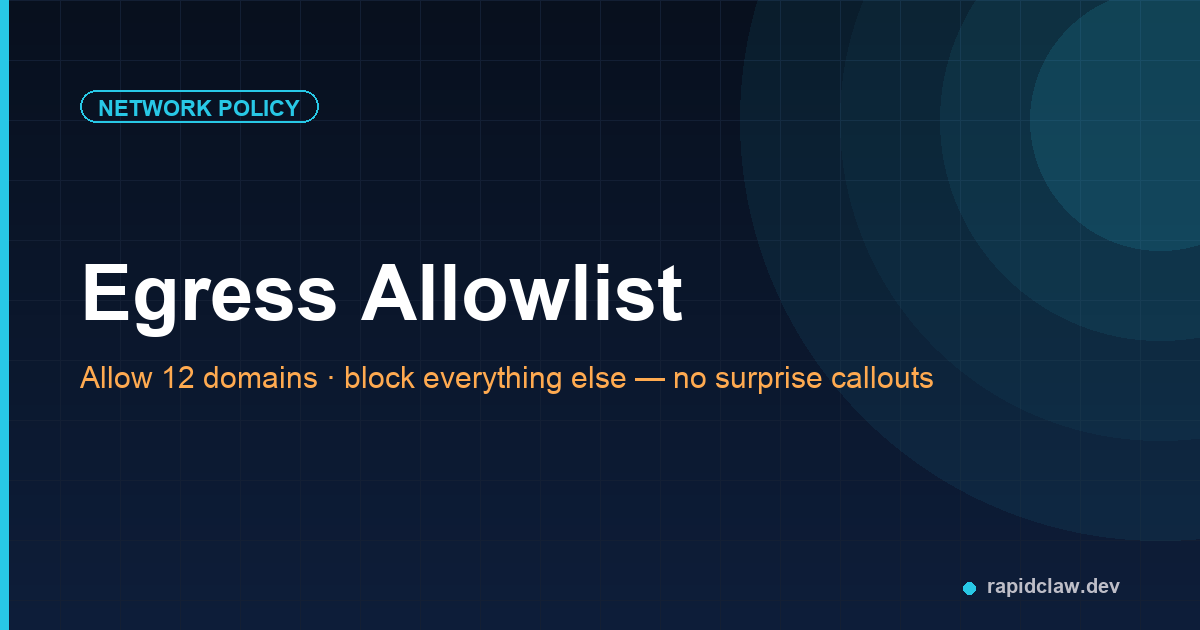
An agent with unrestricted network access can reach any endpoint on the internet. If compromised via prompt injection, it can exfiltrate data through DNS tunneling, phone home to an attacker’s server, or scan your internal network for lateral movement targets.
Default-deny egress with Docker
Run your agent in an isolated Docker network with no default internet access. Whitelist only the specific endpoints it needs:
version: "3.8"

services:
  openclaw-agent:
    image: openclaw/agent:latest
    networks:
      - agent-isolated
    environment:
      - ALLOWED_HOSTS=api.anthropic.com,api.openai.com
    dns:
      - 10.0.0.53  # Internal DNS only — no public resolvers
    deploy:
      resources:
        limits:
          memory: 2G
          cpus: "1.0"

  hermes-agent:
    image: nousresearch/hermes-agent:latest
    networks:
      - agent-isolated
    environment:
      - ALLOWED_HOSTS=api.anthropic.com,api.openai.com
    dns:
      - 10.0.0.53
    deploy:
      resources:
        limits:
          memory: 4G
          cpus: "2.0"

  # Egress proxy — the ONLY path to the internet
  egress-proxy:
    image: squid:latest
    networks:
      - agent-isolated
      - internet
    volumes:
      - ./squid-whitelist.conf:/etc/squid/squid.conf:ro

networks:
  agent-isolated:
    internal: true  # No default internet access
  internet:
    driver: bridge
Kubernetes NetworkPolicy
For Kubernetes deployments, apply a NetworkPolicy that blocks all egress by default and whitelists specific CIDRs:
apiVersion: networking.k8s.io/v1
kind: NetworkPolicy
metadata:
  name: agent-firewall
  namespace: ai-agents
spec:
  podSelector:
    matchLabels:
      app: ai-agent  # Applies to both OpenClaw and Hermes pods
  policyTypes:
    - Egress
    - Ingress
  ingress:
    - from:
        - namespaceSelector:
            matchLabels:
              name: api-gateway
      ports:
        - port: 8080
  egress:
    # Allow DNS resolution (internal only)
    - to:
        - namespaceSelector:
            matchLabels:
              name: kube-system
      ports:
        - port: 53
          protocol: UDP
    # Allow Anthropic API
    - to:
        - ipBlock:
            cidr: 104.18.0.0/16  # Anthropic API range
      ports:
        - port: 443
    # Allow your backend API
    - to:
        - podSelector:
            matchLabels:
              app: backend-api
      ports:
        - port: 8443
iptables for bare-metal / VM deployments
If you’re running agents directly on a VM without Docker or Kubernetes:
#!/bin/bash
# AI Agent Firewall — default-deny egress for the agent user

AGENT_USER="openclaw"  # or "hermes" — run your agent as a dedicated user

# Flush existing rules for the agent user
iptables -F OUTPUT

# Default deny all outbound from the agent user
iptables -A OUTPUT -m owner --uid-owner $(id -u $AGENT_USER) -j DROP

# Allow loopback
iptables -I OUTPUT -o lo -m owner --uid-owner $(id -u $AGENT_USER) -j ACCEPT

# Allow DNS to internal resolver only
iptables -I OUTPUT -p udp --dport 53 -d 10.0.0.53 \
  -m owner --uid-owner $(id -u $AGENT_USER) -j ACCEPT

# Allow HTTPS to Anthropic API
iptables -I OUTPUT -p tcp --dport 443 -d 104.18.0.0/16 \
  -m owner --uid-owner $(id -u $AGENT_USER) -j ACCEPT

# Allow HTTPS to OpenAI API
iptables -I OUTPUT -p tcp --dport 443 -d 13.107.0.0/16 \
  -m owner --uid-owner $(id -u $AGENT_USER) -j ACCEPT

# Allow connection to local Redis (for rate limiting)
iptables -I OUTPUT -p tcp --dport 6379 -d 127.0.0.1 \
  -m owner --uid-owner $(id -u $AGENT_USER) -j ACCEPT

# Log blocked attempts for auditing
iptables -A OUTPUT -m owner --uid-owner $(id -u $AGENT_USER) \
  -j LOG --log-prefix "AGENT_BLOCKED: " --log-level 4
Layer 4: Permission Boundaries
The problem
Agents are typically configured with access to all available tools. A customer-support agent that can also execute database write queries or send emails to arbitrary addresses has far more capability than it needs — and far more blast radius if things go wrong.
RBAC for OpenClaw tools
Define permission profiles that restrict which tools each agent role can access. This is the principle of least privilege applied to AI agents:
from enum import Enum
from dataclasses import dataclass, field

class ToolAccess(Enum):
    DENY = "deny"
    READ = "read"
    WRITE = "write"
    EXECUTE = "execute"

@dataclass
class AgentRole:
    name: str
    tools: dict[str, ToolAccess] = field(default_factory=dict)
    max_tokens_per_task: int = 50_000
    allow_internet: bool = False
    allow_file_system: bool = False

# Define roles with least-privilege access
ROLES = {
    "customer_support": AgentRole(
        name="customer_support",
        tools={
            "knowledge_base": ToolAccess.READ,
            "ticket_system": ToolAccess.WRITE,
            "send_email": ToolAccess.EXECUTE,
            "database": ToolAccess.DENY,         # No DB access
            "web_search": ToolAccess.DENY,        # No internet
            "file_upload": ToolAccess.DENY,       # No file system
        },
        max_tokens_per_task=20_000,
        allow_internet=False,
        allow_file_system=False,
    ),
    "research_agent": AgentRole(
        name="research_agent",
        tools={
            "web_search": ToolAccess.READ,
            "knowledge_base": ToolAccess.READ,
            "database": ToolAccess.READ,          # Read-only
            "send_email": ToolAccess.DENY,        # No sending
            "file_upload": ToolAccess.DENY,       # No uploads
        },
        max_tokens_per_task=100_000,
        allow_internet=True,
        allow_file_system=False,
    ),
}

def enforce_permission(role_name: str, tool_name: str, access: ToolAccess) -> bool:
    """Check if a role has the required access level for a tool."""
    role = ROLES.get(role_name)
    if not role:
        return False
    tool_access = role.tools.get(tool_name, ToolAccess.DENY)
    access_hierarchy = [ToolAccess.DENY, ToolAccess.READ, ToolAccess.WRITE, ToolAccess.EXECUTE]
    return access_hierarchy.index(tool_access) >= access_hierarchy.index(access)
Hermes Agent permission config
Hermes Agent supports YAML-based permission profiles. Define a profile per agent role:
# Hermes Agent permission profiles
profiles:
  customer_support:
    description: "Handles inbound customer tickets"
    tools:
      allowed:
        - knowledge_base:read
        - ticket_system:read,write
        - send_email:execute
      denied:
        - database:*
        - web_search:*
        - file_system:*
    limits:
      max_tokens_per_task: 20000
      max_tool_calls_per_task: 50
      max_concurrent_tasks: 3
    network:
      allow_egress: false
      allowed_hosts: []

  research_agent:
    description: "Performs web research and data analysis"
    tools:
      allowed:
        - web_search:read
        - knowledge_base:read
        - database:read
      denied:
        - send_email:*
        - file_system:write
        - ticket_system:write
    limits:
      max_tokens_per_task: 100000
      max_tool_calls_per_task: 200
      max_concurrent_tasks: 5
    network:
      allow_egress: true
      allowed_hosts:
        - "api.anthropic.com"
        - "api.openai.com"
        - "*.google.com"
Putting It All Together
Each layer of the ai agent firewall is independent — you can adopt them incrementally. But they’re most effective in combination. Here’s the order I recommend:
Network isolation
Default-deny egress. This alone blocks the most dangerous attack vectors: data exfiltration, lateral movement, and phone-home callbacks.
API key scoping
One key per tool, minimum permissions, stored in a secrets manager. Limits the blast radius of any single credential leak.
Rate limiting
Per-tool sliding window at the function level. Prevents runaway costs and catches retry loops before they become expensive.
Permission boundaries
RBAC profiles per agent role. Ensures each agent can only access the tools it needs — nothing more.
The managed alternative
Building and maintaining all four layers yourself is doable but time-consuming — especially the key rotation, network policy tuning, and ongoing monitoring. Rapid Claw includes all four firewall layers out of the box: per-agent rate limits, auto-rotated scoped keys, tenant-isolated VPCs, and configurable RBAC profiles. Deploy once, firewall included.
Monitoring Your AI Agent Firewall
A firewall you don’t monitor is a firewall you can’t trust. Log every blocked action and set up alerts for anomalies:
import logging
import json
from datetime import datetime

logger = logging.getLogger("agent_firewall")
logger.setLevel(logging.INFO)

def log_firewall_event(event_type: str, tool: str, agent_role: str, details: dict):
    """Structured firewall event logging for alerting and audit."""
    event = {
        "timestamp": datetime.utcnow().isoformat(),
        "event_type": event_type,    # "rate_limited", "permission_denied", "network_blocked"
        "tool": tool,
        "agent_role": agent_role,
        "details": details,
    }
    logger.info(json.dumps(event))

# Alert thresholds — trigger PagerDuty/Slack when hit
ALERT_RULES = {
    "rate_limited":      {"threshold": 10, "window_min": 5,  "severity": "warning"},
    "permission_denied": {"threshold": 3,  "window_min": 1,  "severity": "critical"},
    "network_blocked":   {"threshold": 5,  "window_min": 5,  "severity": "critical"},
}

# Usage in your rate limiter:
# log_firewall_event("rate_limited", "web_search", "research_agent", {
#     "current_count": 21, "limit": 20, "window_sec": 60
# })
Frequently Asked Questions
Skip the manual setup
Rapid Claw deploys OpenClaw and Hermes Agent with all four firewall layers pre-configured — rate limiting, scoped keys, network isolation, and RBAC. Production-ready in under two minutes.
Deploy with firewall includedRelated reading
7-step lockdown for production deployments
Deploy Hermes Agent [Step-by-Step]Complete production guide for Hermes Agent
AI Agent Observability GuideLogs, metrics, and traces for self-hosted agents
OpenClaw Security: Threats, CVEs & HardeningComplete security reference — threats, CVEs, and 7-step hardening
MCP Gateway Security GuideThe MCP-specific layer above the firewall: tool allowlists and prompt-injection filters
Rate Limiting & Guardrails for AI AgentsWhen to throttle, when to block — building runtime guardrails on top of the firewall